
Google Ads Conversion Tracking: How to Track Leads, Calls and Sales
- Home
- Google Ads Conversion Tracking: How to Track Leads, Calls and Sales

Published: October 23, 2026
Last Updated: October 23, 2026
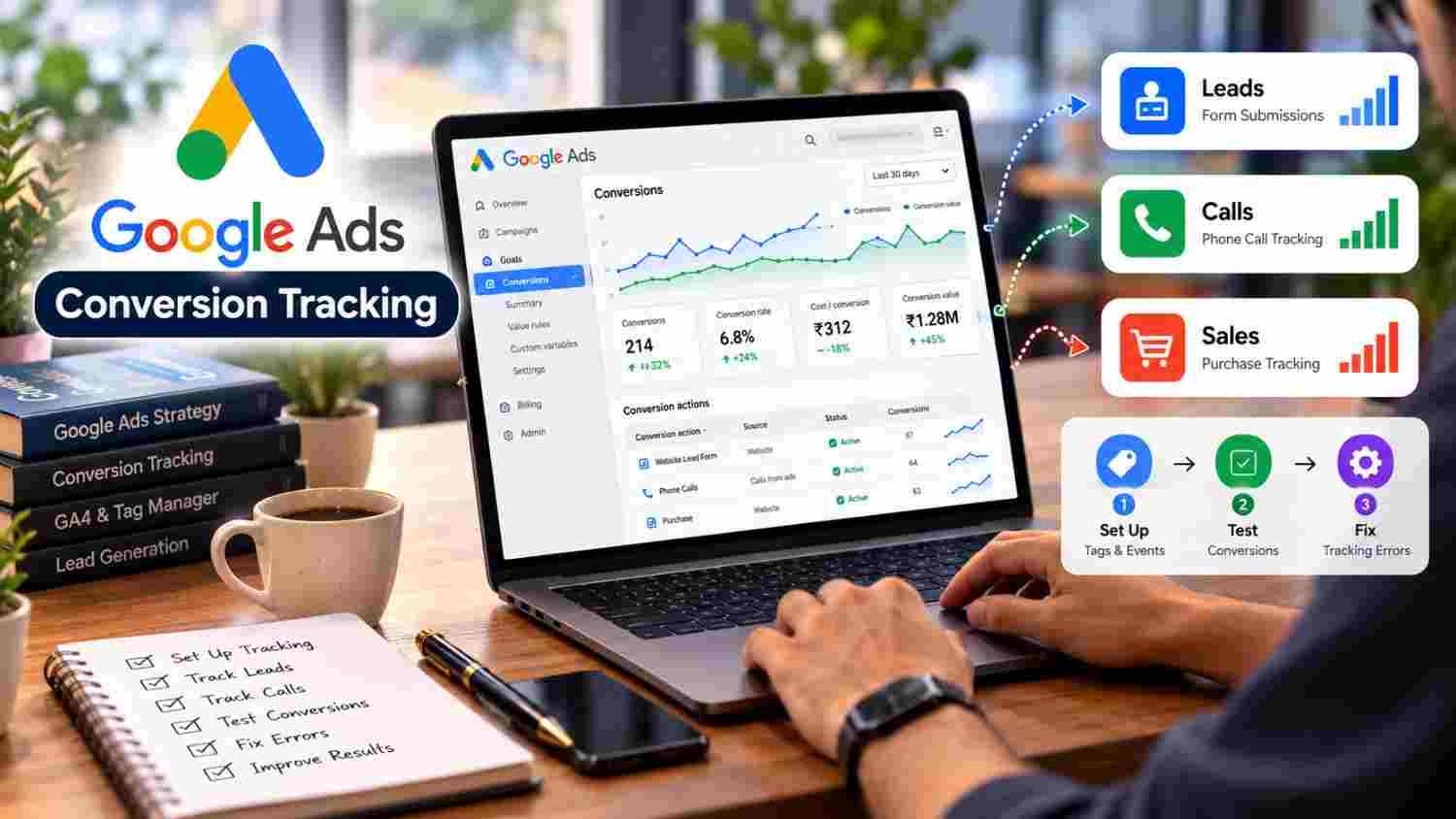
Google Ads Conversion Tracking helps businesses measure what happens after someone interacts with an advertisement. Instead of measuring clicks alone, businesses can track valuable actions such as successful form submissions, phone calls, purchases, and other defined conversions.
To set it up, choose the actions that matter to your business, create conversion actions in Google Ads, install the appropriate Google tag or configure Google Tag Manager, and test that each event fires correctly. Finally, review conversion data alongside lead quality and sales results to understand whether your campaigns are producing meaningful outcomes.
Google Ads conversion tracking links eligible ad interactions to valuable actions customers complete. Businesses can measure website actions, phone calls, app activity, and certain offline conversions. Accurate setup requires the right tags or integrations, clearly defined conversion actions, and testing. However, tracking conversions does not automatically guarantee that every lead or sale will be recorded.
Track completed business actions, not just advertising clicks.
Choose conversion actions that match your campaign goals.
Use the Google tag, Google Tag Manager, or an appropriate Google Analytics integration.
Test form submissions, phone calls, and purchases before relying on reports.
Check for duplicate conversions, incorrect triggers, and missing values.
Evaluate qualified leads and sales alongside conversion totals.
Google Ads conversion tracking is a measurement feature that helps advertisers understand whether their campaigns contribute to valuable customer actions. A conversion is an action you define as important to your business, such as a purchase, completed enquiry form, or qualifying phone call.
For example, imagine a web development company runs a Search campaign for website development services. A prospective customer clicks an ad, visits the service page, and successfully submits an enquiry form. When tracking is configured correctly, that completed submission can be recorded as a conversion.
However, simply visiting the page does not mean the visitor has become a lead. Similarly, clicking a submit button does not necessarily mean the form was successfully received.
Therefore, define conversions around genuine outcomes rather than every interaction on the website.
Google provides several measurement options, including website, phone call, app, and offline conversion tracking.
This guide is designed for small-business owners, digital marketing managers, PPC specialists, and website or analytics teams that need to measure advertising results. Use it when launching a Google Ads campaign, setting up lead forms, tracking phone calls or purchases, connecting GA4 with Google Ads, or troubleshooting missing and duplicate conversions. It is particularly relevant to service businesses, local companies, e-commerce stores, and B2B organisations that need to understand whether their advertising generates genuine enquiries and sales.
The right conversion actions depend on what your business wants customers to do.
For a local service business, form submissions and qualified phone calls may be the most useful starting points. In contrast, an online store may focus on completed purchases and revenue.
Additionally, businesses with longer sales cycles may need to connect their CRM data with advertising measurement to understand which campaigns contribute to qualified opportunities and actual sales.
The exact interface and available options can vary by account and conversion type. Nevertheless, the following process provides a practical starting point.
First, decide which customer actions represent meaningful progress for your business.
For a service business, this might mean a successfully submitted contact form or a qualified phone call. For an e-commerce website, it may mean a completed purchase.
Next, review your conversion action settings, including its value, counting method, and how it should be used for campaign optimization.
Google Ads distinguishes between primary conversion actions, which can be used for bidding and the main Conversions reporting column, and secondary actions, which are generally used for observation. Check your account settings before relying on either category.
Sign in to your Google Ads account and open the conversion measurement area, generally found under Goals and Conversions.
Then create a conversion action and choose the relevant source, such as your website. Follow the setup instructions for your selected action.
Depending on the conversion type, you may need to configure details such as:
The name and category of the conversion.
Whether to assign a conversion value.
How repeated conversions should be counted.
The conversion window and attribution settings.
Whether the action should be primary or secondary.
For example, a purchase may require its actual transaction value and currency. A lead form may be more appropriately measured as one successful submission rather than several button interactions.
Consequently, choose the settings that reflect the real business outcome.
Google offers different ways to implement conversion tracking. The right approach depends on your website, existing tags, and measurement requirements.
Option A: Use the Google tag
Follow Google's official Google tag setup guide to install and verify the relevant tag. Ensure that the installation follows Google's instructions for your website and conversion type.
Option B: Use Google Tag Manager
Google Tag Manager provides a way to manage tags, triggers, and variables without manually editing your website for every tag change.
After creating an eligible manual website conversion action, follow Google's Google Ads conversion tag instructions for Tag Manager. Depending on the setup, you may need the Conversion ID, Conversion Label, relevant variables, and a suitable trigger.
For a lead form, the trigger should represent successful submission. If you use a thank-you page, check that the page is only reached after a successful submission. For a dynamic form, a properly configured success event may be more appropriate.
Importantly, never assume that a button click always means a conversion happened.
Google Analytics 4 (GA4) can help you measure user activity across a website or app. You can also import eligible Analytics events into Google Ads as conversions.
For example, a business might record a successful lead event in GA4 and then import that event into Google Ads.
Read Google's guide to creating Google Ads conversions from Google Analytics events before choosing this approach.
Google Ads conversion measurement and imported GA4 conversions can serve different reporting needs. However, if you configure both methods to measure the same business action, review the conversion settings carefully so that the same lead or purchase is not unintentionally counted twice for reporting or bidding.
Choose a clear measurement structure and document which system supplies each conversion action.
Before relying on the reports, test the actual customer journey.
For a lead form, open the landing page, enter test information, submit it successfully, and confirm that the event fires once. For an online store, use the appropriate test process to verify the purchase event, transaction value, and currency.
Additionally, use Google Tag Assistant and Google's conversion troubleshooting guide to check whether tags are firing correctly.
Look for duplicate events, tags firing on the wrong page, missing values, or triggers that activate before the action is complete.
Finally, publish any tested Tag Manager changes through the proper workflow and repeat the test on the live website.
Businesses that rely on enquiries often need more than a basic website conversion.
A lead form should count as a conversion only when the intended successful action has occurred. Depending on the website, this can be measured using a confirmed thank-you page or a correctly implemented form-success event.
Next, compare recorded conversions with actual enquiries received through your website or CRM. If Google Ads reports more conversions than genuine submissions, investigate the implementation before changing the campaign.
Google Ads supports several types of call measurement, including calls from eligible ads and calls to a phone number on a website.
For website call tracking, Google documents a setup that can use forwarding numbers and a phone snippet in eligible regions and configurations. A minimum call duration can also help filter out short calls that may not represent useful enquiries.
Follow the official instructions for tracking calls to a phone number on your website.
Availability and setup requirements can vary, so verify that your account, country, and phone setup support the chosen method.
If conversions are missing or appear inaccurate, check the implementation before making major campaign changes.
Google notes that conversion data may take time to appear, and attribution differences can cause figures in Google Ads and other platforms to vary. Therefore, a missing conversion immediately after a test does not always prove that the tag is broken.
However, if the issue persists, use the official troubleshooting guide to inspect tag status, setup, and conversion configuration.
Once tracking works, use it to answer business questions—not simply to collect more numbers.
Review the following metrics according to your campaign objective:
Conversions: How many defined actions were recorded?
Conversion rate: What proportion of the relevant interactions resulted in a conversion, according to the reporting definition?
Cost per conversion: How much advertising spend was associated with each recorded conversion?
Qualified lead rate: What proportion of enquiries matched your target customers?
Lead-to-sale rate: How many leads became customers?
Conversion value or revenue: What value did the resulting transactions generate, where measurement is available?
For instance, a campaign producing many enquiry forms may still be ineffective if most enquiries are irrelevant. Meanwhile, a campaign with fewer conversions may deliver more qualified prospects or better sales outcomes.
Therefore, combine advertising reports with actual lead and sales data wherever possible. Do not judge campaign success using click volume alone.
Conversion tracking may involve information about website interactions, advertising clicks, and customer activity. Businesses should explain their data collection practices clearly and obtain consent where legally required.
Additionally, do not send unnecessary personal information through tracking events. Restrict access to analytics and advertising accounts, document how conversion data is collected, and ensure any integrations are configured appropriately.
A properly implemented setup should support business decisions while respecting applicable privacy requirements.
Effective paid advertising requires more than launching a campaign. Businesses also need relevant landing pages, reliable conversion measurement, accurate reporting, and a process for handling enquiries.
Tulyarth DigiWeb provides digital marketing services that include Google Ads and PPC management. Explore its digital marketing services in Dehradun to learn more about its offering.
Before selecting a campaign strategy, define what counts as a valuable conversion and how the team will evaluate lead quality. You can also learn about Tulyarth DigiWeb to understand more about the company.
When you are ready to discuss your objectives, contact Tulyarth DigiWeb about your digital marketing requirements.
Google Ads Conversion Tracking helps businesses understand whether advertising interactions lead to genuine customer actions. By defining useful conversions, implementing the appropriate tags or integrations, and testing the complete customer journey, you can build more reliable campaign reports.
However, accurate tracking is only the starting point. Review lead quality, sales outcomes, and conversion values alongside advertising metrics. In addition, investigate missing or duplicated events before using conversion data to make important campaign decisions.
A well-planned measurement process gives businesses clearer evidence for evaluating their advertising strategy and improving future campaigns.
You may also find these articles helpful: