How to Choose a CMS for Your Business Website: A Practical Guide
- Home
- How to Choose a CMS for Your Business Website: A Practical Guide


Published: October 2, 2026
Last Updated: October 2, 2026
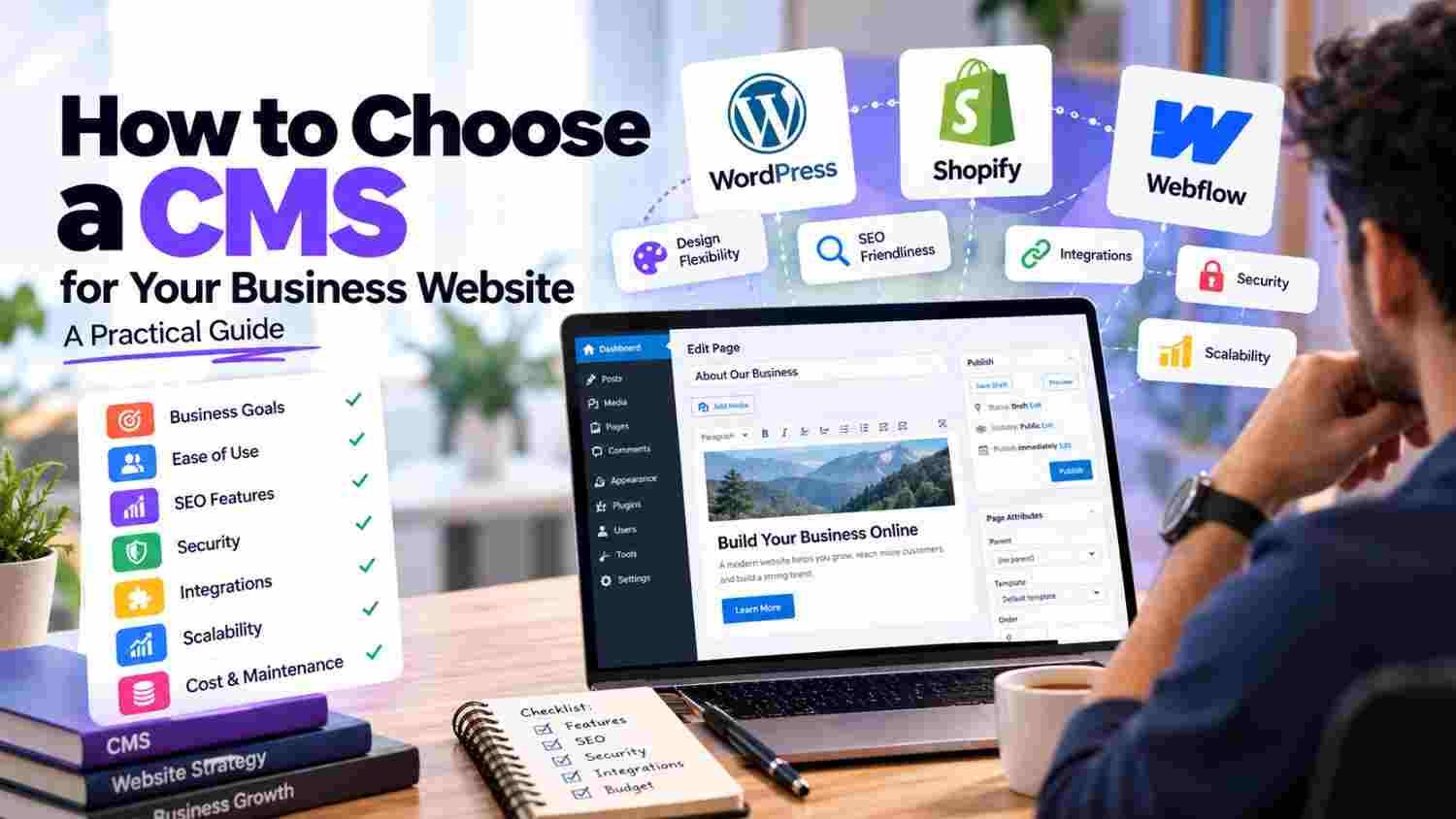
How to Choose a CMS depends on your website goals, content requirements, team skills, SEO needs, integrations, security, scalability, and long-term maintenance.
A CMS, or Content Management System, lets businesses create, organize, edit, and publish website content without manually changing every page's code. However, different CMS platforms are designed for different workflows. A system that works well for a small business website may not be suitable for a large ecommerce store or a highly customized web application.
Therefore, start with your business requirements, not with a platform name.
To choose the right CMS for a business website, first define what the website needs to do and who will manage it. Then evaluate ease of use, SEO controls, security, customization, integrations, performance, scalability, ownership, support, and total cost.
A practical selection process is:
Business Goals → Content Requirements → Team Needs → Technical Requirements → CMS Options → Testing → Final Selection
Current CMS guidance also emphasizes choosing a platform based on content workflow, integrations, security, governance, scalability, and long-term business needs instead of simply comparing feature lists.
Start with your business requirements before comparing CMS platforms.
Consider who will create and update website content.
Check SEO controls before selecting a CMS.
Evaluate security, maintenance, and update requirements.
Make sure the CMS supports your required integrations.
Consider future growth, not only today's website.
Check ownership and portability before committing.
Test the editing experience with the people who will actually use it.
Ecommerce websites may need different CMS capabilities than service websites.
There is no single CMS that fits every business.
A Content Management System is software that helps you manage digital content on a website.
Instead of editing website code whenever you want to publish something, a CMS generally provides an interface for creating and managing content.
For example, a business may use a CMS to manage:
Web pages
Blog posts
Images
Products
Categories
Forms
Team information
FAQs
Landing pages
Modern CMS platforms can support structured content and reusable content models, making them useful for websites that publish information frequently. Webflow, for example, describes its CMS as a structured system for managing dynamic content.
A CMS becomes part of your website's everyday workflow.
If your team publishes content every week, the editing experience matters. If your website needs multiple integrations, the API and extension capabilities matter. Likewise, if the website is expected to grow significantly, scalability becomes more important.
A poor fit can create problems such as:
Difficult content management
Dependency on developers for simple updates
Limited design flexibility
Complicated integrations
Security challenges
Higher maintenance effort
Difficult migrations later
That is why CMS selection should be treated as a business and technical decision, not simply a design decision.
Start by asking what the website needs to accomplish.
For example:
Generate enquiries
Publish articles
Sell products
Showcase services
Manage memberships
Provide customer accounts
Support internal workflows
Connect with business software
A CMS should support your actual objectives.
Think about the people who will use the CMS every day.
Will content be managed by:
A business owner?
Marketing team?
Content writers?
Developers?
Multiple departments?
A platform that requires technical knowledge for simple content changes may create unnecessary operational friction for a non-technical team.
Current CMS selection guidance recommends evaluating the real editorial workflow and testing how the people responsible for content will actually use the platform.
A CMS should make routine tasks manageable.
Check how easily users can:
Create pages
Edit content
Upload images
Manage menus
Publish blogs
Schedule content
Edit metadata
Restore previous versions
Do not judge ease of use only from a demo video.
The people who will manage the website should actually test the CMS.
SEO should be part of your CMS evaluation.
Look for the ability to manage:
Page titles
Meta descriptions
URLs
Canonical tags
XML sitemaps
Redirects
Image alt text
Indexing controls
Structured data
For example, Webflow currently provides built-in controls for metadata, redirects, indexing rules, XML sitemaps, and other SEO settings. WordPress also has a broad ecosystem of SEO tools and extensions.
However, the CMS itself does not automatically make a website rank. Content quality, technical implementation, search intent, links, and many other factors still matter.
Security should be considered before selecting a CMS.
Ask:
How are updates handled?
Who manages plugins or extensions?
Are backups available?
How are user permissions managed?
What happens when an extension becomes unsupported?
Who handles security monitoring?
For open-source platforms, the flexibility of extensions can also increase maintenance responsibilities. Therefore, understand who will manage updates and security after launch.
Think about how much customization your website needs.
A basic company website might require:
Pages + Blog + Forms + Basic SEO
A more complex platform might require:
Customer accounts + Dashboards + APIs + Custom workflows + Role-based permissions
The more specialized the website, the more carefully you should evaluate whether the CMS can support those requirements without excessive workarounds.
Many business websites need to connect with external systems.
Examples include:
CRM
Payment gateway
Email marketing
Analytics
ERP
Inventory systems
Customer support
Booking systems
Third-party APIs
Before selecting a CMS, list the systems your website must connect with.
Then verify whether the required integration is available, supported, or practical to develop.
Do not only ask:
“Can this CMS handle my website today?”
Ask:
“Can it handle my website two or five years from now?”
Your future requirements may include:
More pages
More products
More languages
More users
Multiple content types
Additional integrations
New business locations
CMS selection guidance increasingly treats scalability and long-term ownership as part of the decision rather than an afterthought.
This is an important question before signing a development agreement.
Understand who controls:
Domain
Hosting
Website data
Database
Content
Source code, where applicable
CMS account
Plugins or subscriptions
Also ask:
Can the website be moved to another provider later?
You may never need to migrate, but understanding your exit options protects the business from unnecessary dependency.
CMS choice can affect how a website is built and maintained, but performance depends on the entire implementation.
Consider:
Hosting
Image optimization
Code quality
Third-party scripts
Plugins
Caching
CDN
Database configuration
A CMS should support the performance requirements of your website rather than becoming a bottleneck.
Different businesses manage different types of content.
A service company may need:
Services + Blogs + FAQs + Case Studies
An ecommerce business may need:
Products + Categories + Variants + Inventory + Orders
A larger organization may need:
Authors + Departments + Locations + Documents + Structured content
Choose a CMS that handles the content model your business actually needs.
The initial development cost is only one part of CMS ownership.
Also consider:
A platform with a lower initial price may require more ongoing maintenance, while another may include more managed features.
Therefore, compare the total cost of ownership, not just the first quotation.
There are several broad CMS approaches.
These are categories, not rankings.
For example, WordPress is an open-source publishing platform with extensive plugin-based extensibility.
When it comes to ecommerce, platforms such as Shopify provide features for catalog management, integrations, SEO, localization, and other store requirements.
Meanwhile, Webflow combines CMS capabilities with built-in design and SEO controls for visual website management.
The appropriate option depends on the project's requirements.
For many small businesses, a CMS can make website management easier because employees can update content without editing code for every change.
However, the specific platform still matters.
A small service business may prioritize:
Easy editing
SEO controls
Contact forms
Blog publishing
Low maintenance
Reasonable hosting costs
An online store may need:
Product management
Inventory
Payments
Orders
Shipping
Customer accounts
Therefore, “small business CMS” should still be selected based on actual business needs.
Before selecting a CMS, verify whether it gives you control over:
Titles → Meta descriptions → URLs → Canonicals → Redirects → Sitemaps → Indexing → Images → Structured content
You should also consider how easily your team can update these fields.
A CMS with technically available SEO options is less useful when basic SEO changes require developer involvement every time.
Don't select a CMS entirely from a sales presentation.
Create a small test scenario.
Ask the team member who will manage the website to:
Create a page.
Upload an image.
Edit the page.
Add metadata.
Create a blog post.
Change the URL.
Preview the page.
Publish an update.
Then ask:
Was it easy?
This simple exercise can reveal problems that feature comparison tables often hide.
Current 2026 CMS guidance similarly emphasizes testing the real content workflow and evaluating how the platform fits the organization's day-to-day operations.
Before committing, ask:
Who will manage the content?
How much customization is required?
What integrations are necessary?
What SEO controls are available?
How are security updates handled?
What are the ongoing costs?
How easily can the website scale?
Who owns the website and its data?
Can the platform be migrated later?
What support is available after launch?
These questions give you a much clearer basis for comparison than asking which CMS is simply “the best.”
A popular CMS is not automatically suitable for every project.
Low initial cost can hide ongoing maintenance or extension costs.
The people who publish content should be comfortable using the system.
A beautiful website still needs manageable SEO controls.
A CMS that cannot support your required business systems can become difficult to maintain.
A website may grow faster than expected.
Always clarify who controls the website, accounts, data, and relevant assets.
CMS selection should happen before development begins because the platform affects content management, customization, integrations, maintenance, and future website changes.
For businesses planning a new website, you can explore Tulyarth DigiWeb's web development services in Dehradun.
You can also learn more about Tulyarth DigiWeb before deciding how your website should be built.
How to Choose a CMS starts with understanding your business, not selecting a platform from a popularity list.
First, define what your website needs to accomplish. Then consider who will manage it, how much customization is required, which integrations are necessary, what SEO controls you need, how security and maintenance will be handled, and how the website may grow over time.
Also, do not forget ownership and portability. A CMS decision can influence your website's daily workflow for years.
The right choice is therefore the platform that fits your content, team, technology, budget, and long-term business requirements.
For businesses planning a new website or evaluating CMS options, contact Tulyarth DigiWeb about your website project.
You may also find these articles helpful:
XML Sitemap SEO: How to Create, Submit, and Optimize a Sitemap
Website Migration SEO Checklist: How to Move Your Website Without Losing Rankings
Internal Linking Strategy: How to Connect Your Website Pages for Better SEO
Landing Page Optimization: 15 Practical Ways to Get More Leads
Why Is My Website Getting Impressions but No Clicks? 10 Reasons & Fixes